
Deal teams lose hours chasing document versions, managing access over email, and untangling who has seen what. When multiple parties — buyers, sellers, advisors, and legal counsel — need to review and update the same sensitive documents, generic file sharing creates real risk: version confusion, permission gaps, and no audit trail if something goes wrong.
A virtual data room for teams solves this by providing a single, secure workspace with controlled access, structured communication, and full activity tracking.
This article covers what to look for in a VDR and reviews the best virtual data rooms for team collaboration in 2026.
Why Teams Need a Dedicated Data Room for Collaboration
Generic cloud tools — Google Drive, Dropbox, Microsoft Teams — were built for internal productivity, not for the data collaboration demands of complex, multi-party business transactions. They offer limited access controls, no Q&A module, no detailed audit logs, and no document-level permissions. When sensitive data moves through these platforms, there’s no reliable record of who accessed what, and no way to revoke access once a file has been downloaded. For teams managing due diligence, fundraising, or regulatory submissions, these gaps create direct exposure.
The financial stakes are significant. According to the IBM Cost of a Data h Report 2024, the global average cost of a data breach reached $4.88 million — a 10% increase from 2023 and the largest annual spike since the pandemic. For deal teams sharing critical business data with external parties, the absence of a secure environment is not just an operational inconvenience — it’s a liability.
Online data room solutions address this directly. Purpose-built VDR platforms offer granular access controls, version control, detailed audit trails, and structured Q&A — creating a secure environment where only authorized users can access documents, every action is logged, and communication stays organized. For teams managing multiple parties across the entire deal process, the difference between a VDR and a shared drive is the difference between a defensible record and an email chain.
What to Look for in a Virtual Data Room for Teams
Not all VDR platforms are built equally. Here are the key features that matter most for secure document sharing for teams:
| Feature | Why It Matters for Team Collaboration |
|---|---|
| Granular access controls | Control exactly who sees each folder or file |
| Real-time activity tracking | See who viewed, downloaded, or commented |
| Q&A and commenting tools | Keep communication structured inside the platform |
| Version control | Eliminate confusion from outdated document copies |
| Bulk upload and smart indexing | Reduce setup time for large document sets |
| E-signature integration | Finalize agreements without leaving the data room |
| Mobile access | Let team members collaborate from anywhere |
| SSO and multi-factor authentication | Secure login across large, distributed teams |
7 Best Data Rooms for Team Collaboration in 2026
These seven platforms are reviewed on their collaboration capabilities, security posture, and fit for different team sizes and use cases.
1. Ideals
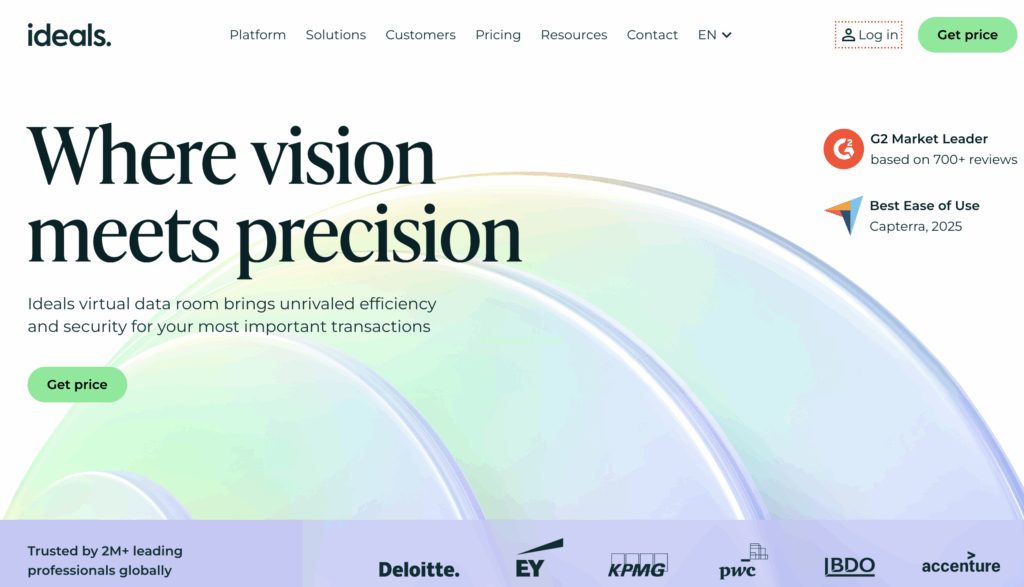
Best for: Enterprise deal teams needing top-tier security and multilingual support
Ideals is a virtual data room provider trusted by 2M+ leading professionals globally. It combines a user-friendly interface with advanced security features and collaboration tools that cover the full due diligence process. The platform supports data room software for M&A teams, fundraising, and IPO workflows.
Standout collaboration features:
- 8 granular permission levels — from None to Upload, covering every access scenario
- AI-powered Q&A with advanced workflows and real-time activity tracking
- Bulk upload with drag-and-drop features and smart folder indexing
- Dynamic watermarking, DRM, and fence view to protect sensitive documents
- SSO, two-factor authentication, and mobile device management
- 24/7 support with a 30-second chat response time
- Heat maps and detailed audit logs for user activity monitoring
Limitation: Higher cost for small or early-stage teams compared to entry-level alternatives.
Free trial: Yes (full-featured)
2. Intralinks
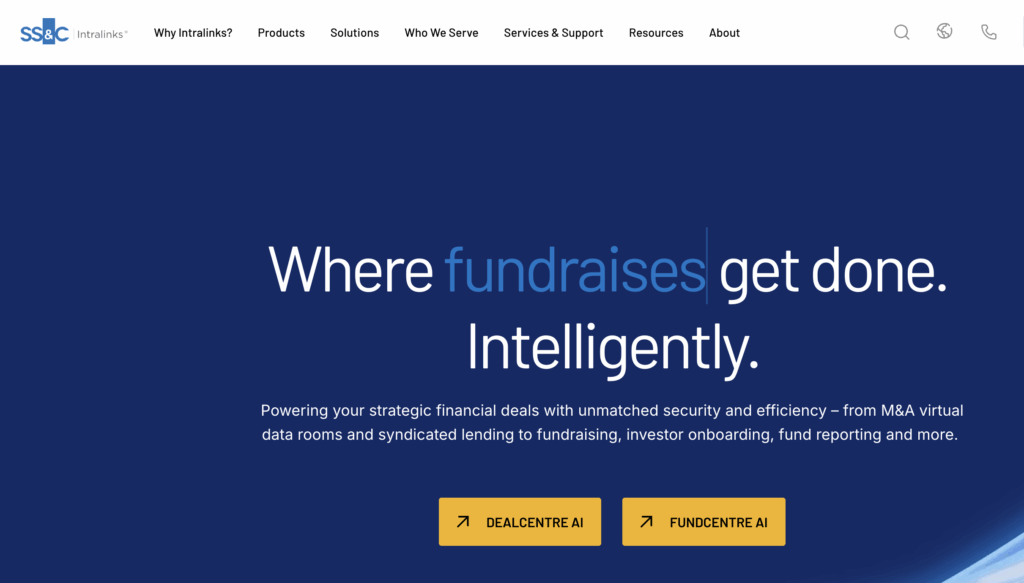
Best for: Large M&A teams and cross-border transactions
Intralinks (a subsidiary of SS&C Technologies) is one of the original virtual data room VDR providers, having operated in the virtual data room category since 1996. According to the company’s own 2024 platform data, it facilitates over 10,000 M&A deals annually and has processed more than $35 trillion in financial transactions since inception. It is particularly well-suited for sell-side M&A, debt capital markets, and global capital raising workflows.
Standout collaboration features:
- AI redaction that scans and redacts PII in bulk across large document sets
- DealVision AI tool for buy-side document categorization and seller-disclosure gap analysis
- Dedicated deal support teams with 24/7 service in 140+ languages
- Video conferencing integration with Zoom for remote access during live sessions
- Advanced permission controls and watermarking across multiple platforms
- Real-time dashboards with buyer engagement scores and document-level tracking
Limitation: Complex onboarding and rigid pricing structure; not suited for small teams or non-M&A use cases.
Free trial: No.
3. Firmex
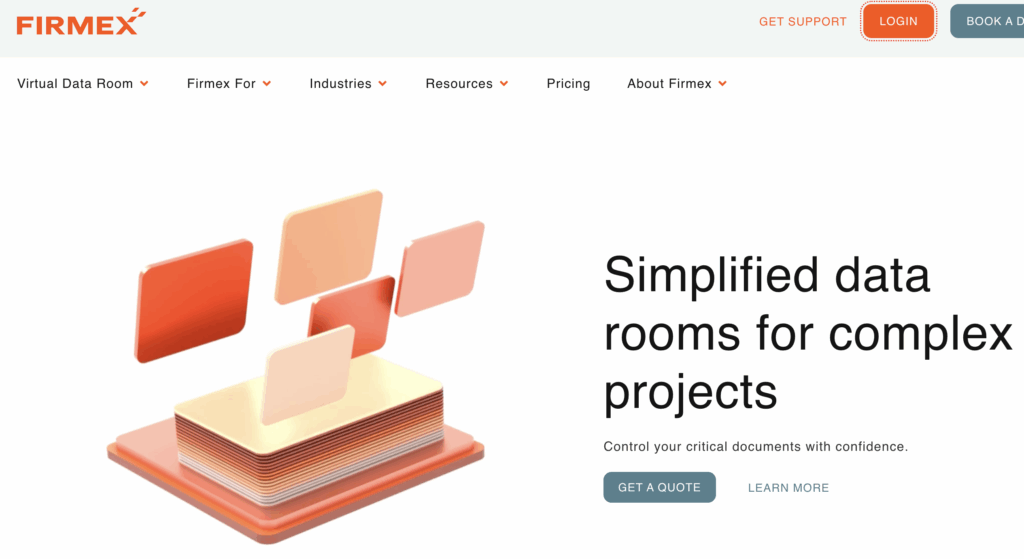
Best for: Legal, advisory, and accounting teams managing ongoing deal workflows
Firmex, a Toronto-based VDR provider now operating as a Datasite subsidiary, is known for its stable, always-on data room environment — making it well-suited for long-running projects, regulatory submissions, and ongoing partner collaboration beyond single transactions. It is widely used by legal teams and advisors who need a reliable, low-friction platform to manage documents across multiple stages.
Standout collaboration features:
- Persistent data room environment for projects that extend beyond a single deal
- Clear activity tracking and comprehensive audit trails
- Straightforward permission management with role-based user access
- Bulk upload and document management without complex configuration
- Responsive customer support with transparent pricing
Limitation: Limited AI tools and automation compared to newer platforms.
Free trial: Available on request.
4. Datasite
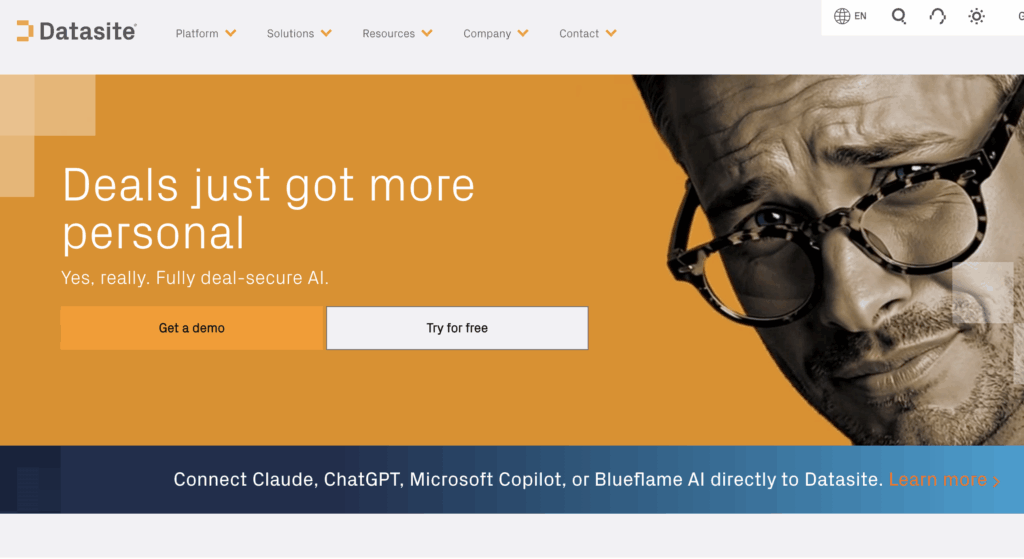
Best for: M&A teams requiring AI-assisted document review at scale
Datasite is a purpose-built data room platform for M&A professionals, offering AI capabilities that go well beyond standard VDR features. It is particularly strong for sell-side advisors managing large, complex document sets across multiple parties in high-value transactions.
Standout collaboration features:
- AI-powered document categorization, indexing, and optical character recognition
- AI redaction and translation tools to support cross-border due diligence
- Integrated project management features to track milestones alongside documents
- Real-time collaboration across global teams with advanced permission controls
- Heat maps showing user activity and document engagement patterns
Limitation: Premium pricing makes it better suited to large deals; overkill for smaller transactions.
Free trial: Available on request.
5. ShareVault
Best for: Life sciences and research teams with strict regulatory needs
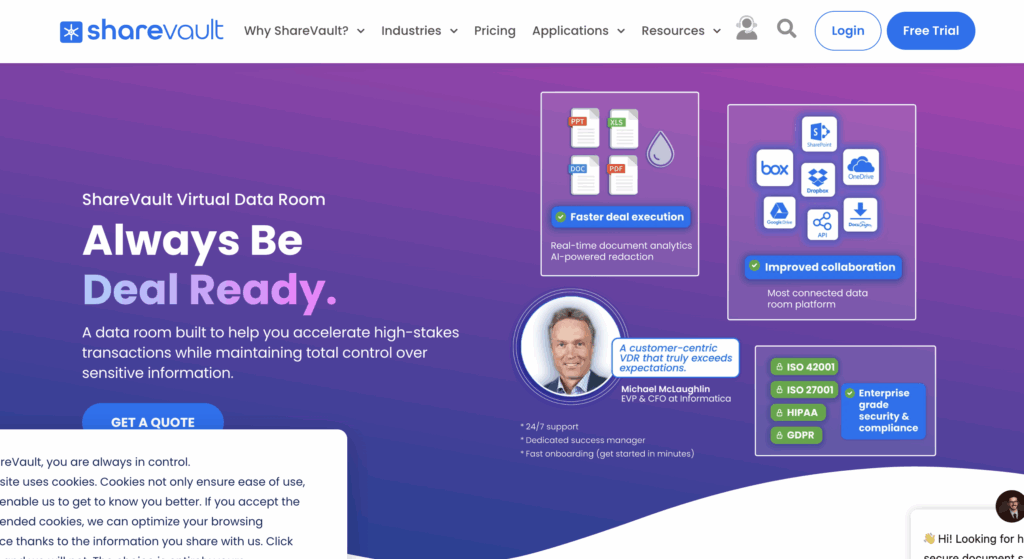
ShareVault is a secure virtual data room platform with a strong track record in regulated industries, particularly life sciences, pharmaceutical, and clinical research environments. It offers enhanced security features designed for teams that need to share confidential information under strict compliance requirements.
Standout collaboration features:
- Access revocation after download — files can be remotely locked even after leaving the platform
- Integration with Box, Dropbox, Google Drive, and SharePoint for flexible data storage
- DocuSign e-signature is built directly into the platform
- Customizable permission controls with granular user management
- Full audit trails and document security reporting
Limitation: Interface complexity can create a learning curve for non-technical users.
Free trial: 15 days.
6. FirmRoom
Best for: Startups and mid-market teams accelerating due diligence
FirmRoom is a modern VDR platform designed for emerging companies and mid-market deal teams who need a fast, organized data room without the complexity of enterprise-tier platforms. It is a strong candidate for teams evaluating the best virtual data room for small business teams.
Standout collaboration features:
- Smart indexing and guided folder setup to easily upload files and organize documents quickly
- Real-time tracking of reviewer behavior across uploaded documents
- Compliance-ready audit workflows with detailed audit trails
- Flat-rate pricing model with no per-page charges
- Clean interface designed for non-technical users to manage documents without training
Limitation: Basic reporting and analytics compared to enterprise-tier platforms.
Free trial: 14 days.
7. DealRoom
Best for: M&A project management teams needing a pipeline and data room in one
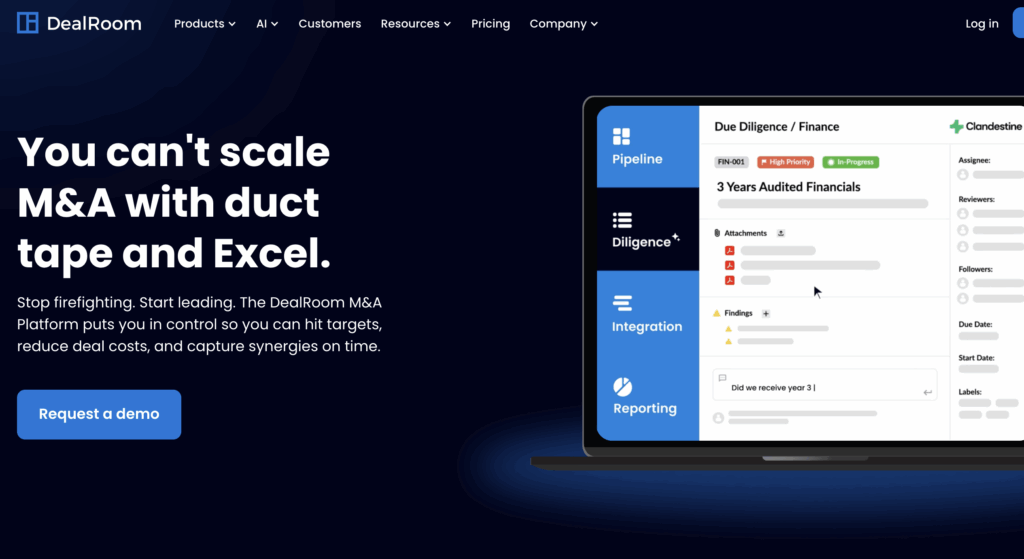
DealRoom combines virtual data room functionality with built-in M&A project management tools — making it the strongest option on this list for teams that need to manage multiple projects and track deal progress alongside document review. It serves as both a dataroom and a deal pipeline workspace.
Standout collaboration features:
- Built-in M&A project management with task tracking and milestone management
- Centralized pipeline and diligence workspace for managing the entire deal lifecycle
- Real-time collaboration tools for multiple parties within a structured deal environment
- Integration with Microsoft Teams and other third-party apps for seamless collaboration
- Team collaboration software features, including task assignment and progress tracking
Limitation: Less suited for non-M&A use cases such as regulatory filings or life sciences workflows.
Free trial: Yes.
Side-by-Side Comparison: Data Rooms for Team Collaboration
| Provider | Free Trial | Best For | AI Tools | Permissions | Mobile |
|---|---|---|---|---|---|
| Ideals | ✅ Full (30 days) | Enterprise M&A teams | ✅ | 8 levels | ✅ |
| Intralinks | ❌ | Large cross-border deals | ✅ | Advanced | ✅ |
| Firmex | On request | Legal and advisory teams | ❌ | Standard | ✅ |
| Datasite | On request | AI-driven M&A review | ✅ | Advanced | ✅ |
| ShareVault | 15 days | Regulated industries | Partial | Advanced | ✅ |
| FirmRoom | 14 days | Startups and mid-market | Partial | Granular | ✅ |
| DealRoom | ✅ | M&A project management | Partial | Standard | ✅ |
How Data Rooms for Team Collaboration Differ from Regular File Sharing
The distinction between a VDR and a generic cloud tool is not just about security features — it’s about whether the platform was designed for controlled, multi-party collaboration or internal productivity. For deal teams handling sensitive information, that distinction has real consequences.
Generic tools (Google Drive, Dropbox, SharePoint):
- No full audit trail of who accessed, downloaded, or printed a document
- Limited or folder-level permissions — not document or section-level
- No Q&A module — communication happens outside the platform, in email
- No DRM or watermarking to prevent unauthorized redistribution
- Not built for compliance in regulated industries
Purpose-built VDR platforms:
- Detailed audit logs with timestamped records of every user action
- Granular access controls down to the document and section level
- Structured Q&A modules to keep communication organized and auditable
- Watermarking, fence view, and DRM to protect sensitive documents
- Compliance-ready for due diligence, fundraising, and regulated workflows
How to Set Up a Data Room for Your Team
Here is a step-by-step guide for deal teams on how to set up a virtual data room:
- Choose a provider. Match the platform to your deal size, compliance requirements, and team structure — a startup fundraising round needs different capabilities than a large cross-border M&A transaction.
- Define your folder structure. Plan how documents will be organized before uploading — group by category (legal, financial, operational) to make navigation faster for reviewers.
- Set permission levels per user group. Assign roles — admins, reviewers, guests — and define what each group can view, download, or edit before inviting anyone.
- Upload documents in bulk. Use drag-and-drop features or integrations to upload files efficiently. Most data room platforms support bulk upload and automatic indexing.
- Invite team members and external parties. Assign roles at the point of invitation so access permissions are enforced from the first login.
- Activate the Q&A module. Enable structured communication within the platform to keep all questions and responses logged and searchable.
- Monitor activity via the audit trail dashboard. Track user activity in real time — document views, downloads, and Q&A responses — to manage the diligence process effectively.
Who Uses Virtual Data Rooms for Team Collaboration?
| Team Type | Primary Use Case |
|---|---|
| M&A deal teams | Due diligence document review and multi-party access management |
| Investment professionals | Data rooms for investors, fundraising, and LP document sharing |
| Legal teams | Contract management and regulatory submissions |
| Startup founders | Investor data rooms for seed and Series A fundraising rounds |
| IT managers | Secure internal document management across distributed teams |
| Life sciences teams | Clinical trial data management, regulatory file sharing, and research collaboration |
Data room companies serve a broad range of industries and deal types. Whether teams need a data room for investors during a fundraising round, a structured workspace for virtual data rooms for due diligence, or a long-running collaboration environment for legal workflows, the right data room provider makes the difference between a controlled process and a chaotic one.
Conclusion
The right data room for team collaboration eliminates version chaos, secures sensitive files, and keeps every stakeholder aligned throughout the deal lifecycle. Each platform reviewed here serves a different team size and use case — from enterprise M&A teams handling cross-border transactions to startups managing their first investor data room. Matching the team collaboration tool to your workflow matters as much as the list of features.
Explore provider free trials or compare features and pricing to find the right fit for your next deal.
FAQ
What is a data room for team collaboration?
A virtual data room for teams is a secure online workspace where multiple users can store, share, and review sensitive documents with controlled permissions, audit trails, and structured communication tools — designed specifically for multi-party deal workflows.
How is a virtual data room different from Google Drive or Dropbox?
Unlike general file-sharing tools, VDRs offer granular permissions, full audit trails, Q&A modules, DRM, and compliance features specifically built for due diligence and regulated workflows. Generic tools lack the document security and access controls that deal teams require.
What is the best data room for small business teams?
FirmRoom and ShareVault are strong options for smaller teams due to their affordable pricing, free trials, and straightforward onboarding — without sacrificing data security or audit trail functionality.
Can a VDR be used for ongoing team collaboration, not just deals?
Yes. Platforms like Firmex and DealRoom support long-running projects, ongoing partner collaboration, and regulatory workflows well beyond single transactions.
How much do data room companies charge?
Pricing varies widely — from flat-rate monthly plans to per-page or per-user models. Most enterprise providers require custom quotes. Platforms like FirmRoom and Ideals offer more transparent pricing structures, and most providers offer a free trial to evaluate the platform before committing.